Press ⌥⇧P and it reads the screen in front of you
Your draft comes from the field you are typing in. The conversation around it comes from one screenshot of the front window, so it works in VS Code, Cursor, Slack or a browser, in full screen too.
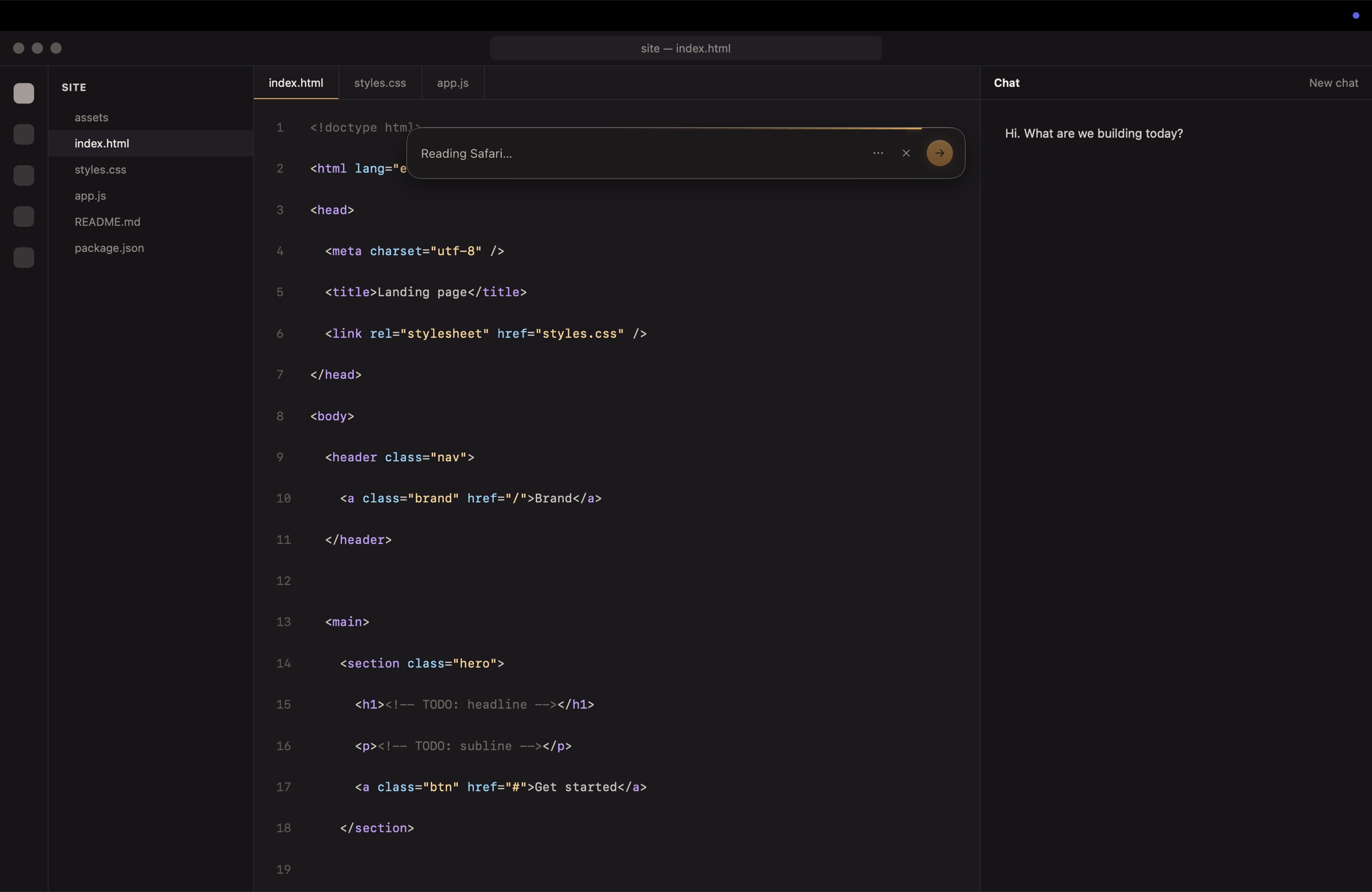
Pimp My Prompt reads the screen in front of you, asks only what is still missing, and rewrites your draft in any app on your Mac.
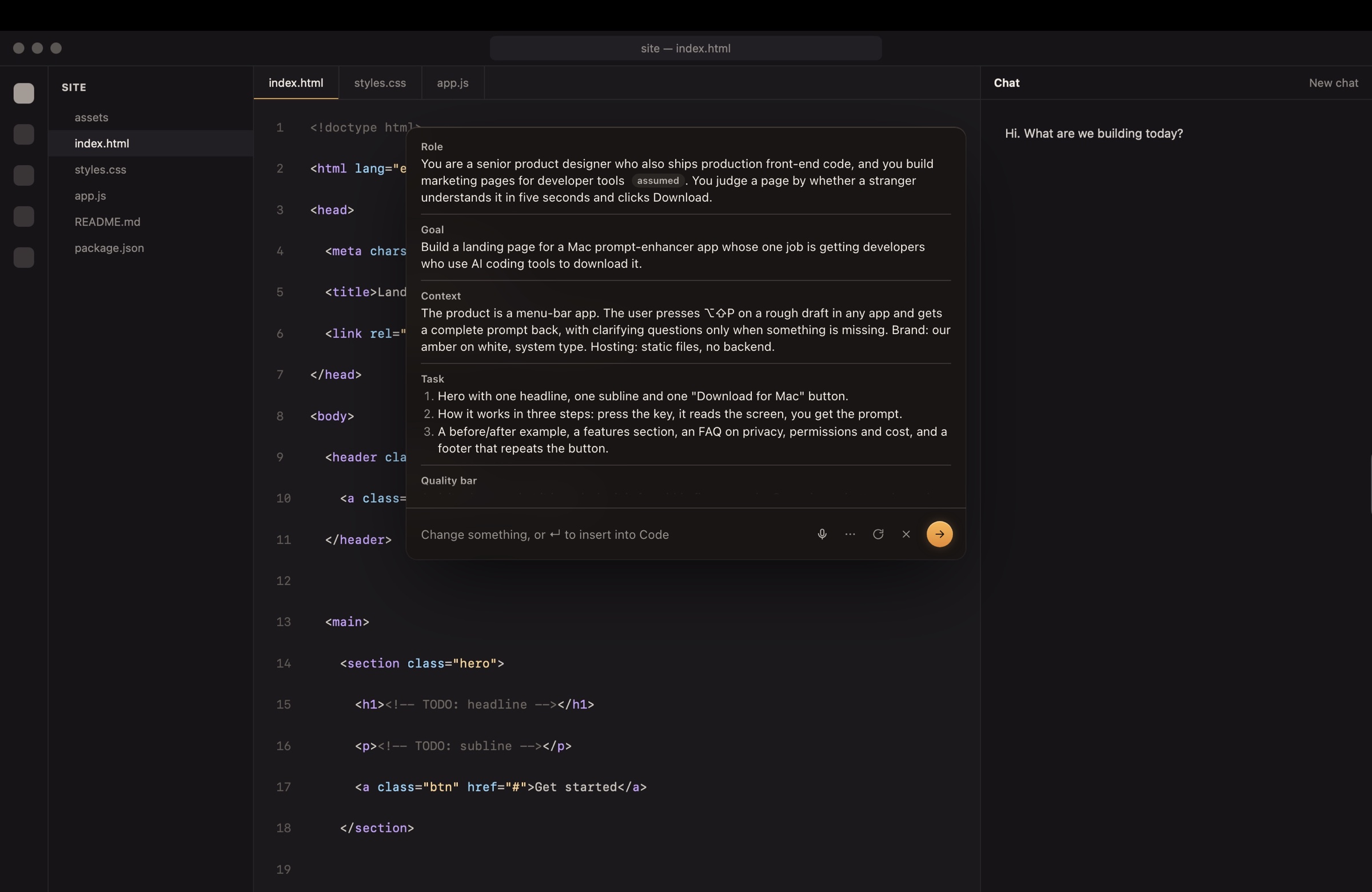
Your draft comes from the field you are typing in. The conversation around it comes from one screenshot of the front window, so it works in VS Code, Cursor, Slack or a browser, in full screen too.
A gap check works out what the model still needs and has not already learnt from the chat. Each question comes with answers you can tap, type or say.
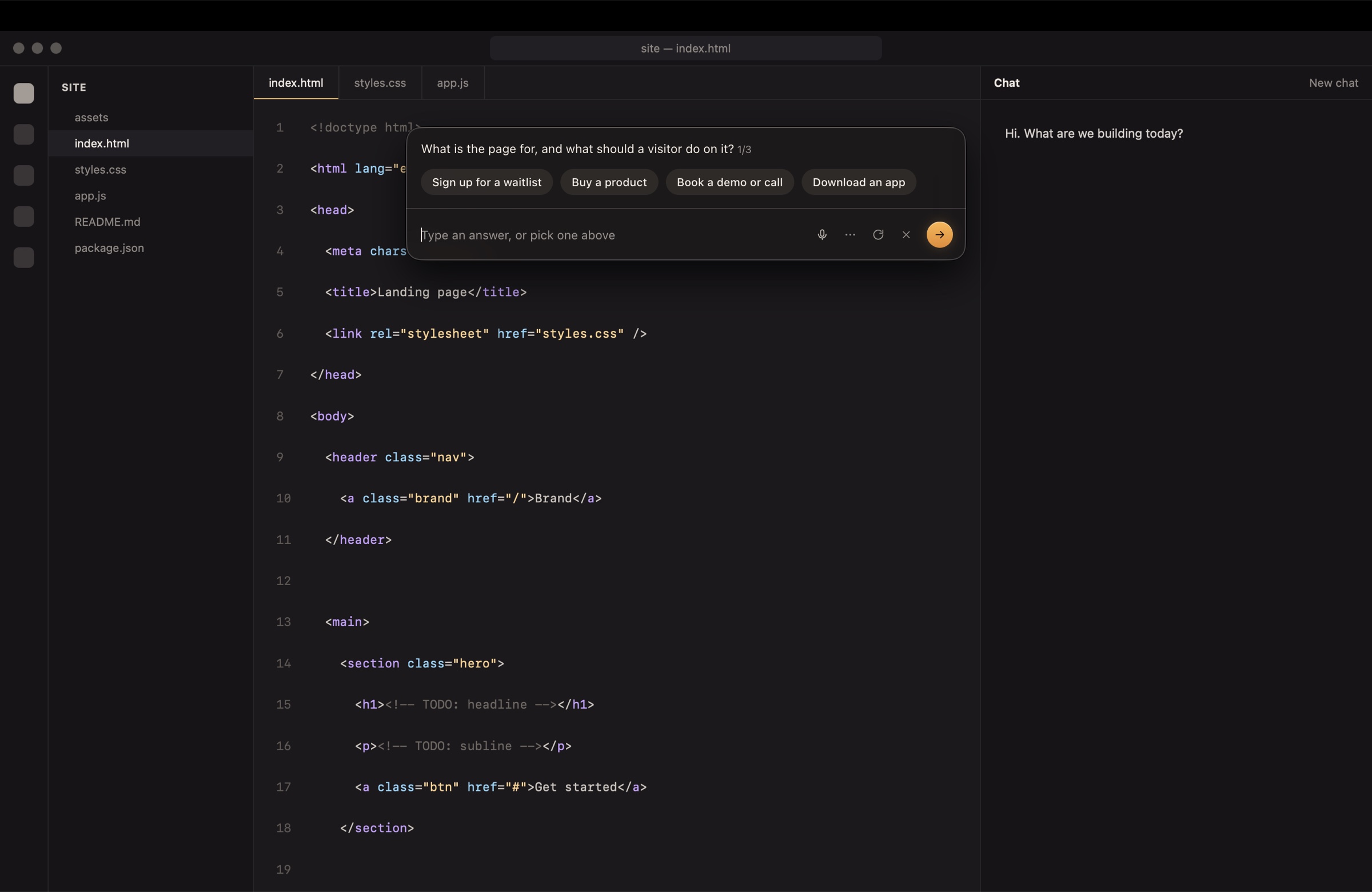
Role, goal, context, task, quality bar, output. Nine words in, a brief out.
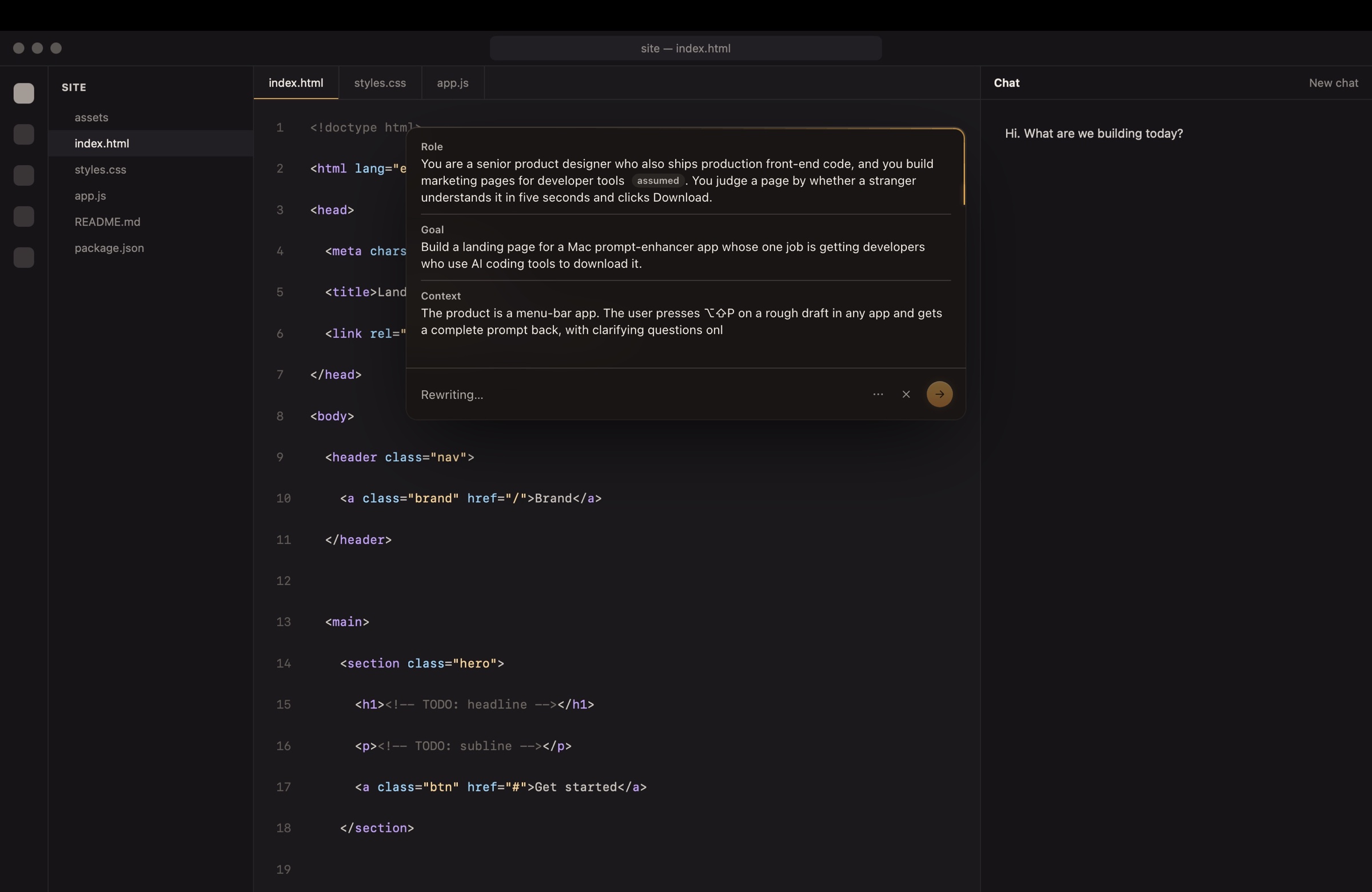
It changes your text only when you say so, and it never makes things up.
Insert and undo. Press return and the prompt replaces your draft in the field you were typing in. Undo puts the old text back. It never sends for you.
Nothing invented. Facts come from the screen and your answers. Anything unknown is a visible placeholder, or a default labelled as assumed.
Say it instead. The mic understands you in context: also make it TypeScript
revises the prompt, for developers
answers the question. One click undoes it.
Works wherever you typeVS CodeCursorClaudeChatGPTSlackNotesMail
On 37 test conversations, the answer to the rewritten prompt beat the answer to the raw draft 59% of the time, tied 24%.
Cold starts gain the most. A one-line request becomes a full brief with a role, a quality bar and a done-when.
A full press costs a few cents of API usage on your own key. A spoken change costs well under a cent and lands in about a second.